condash
A dashboard for the Markdown you already write.
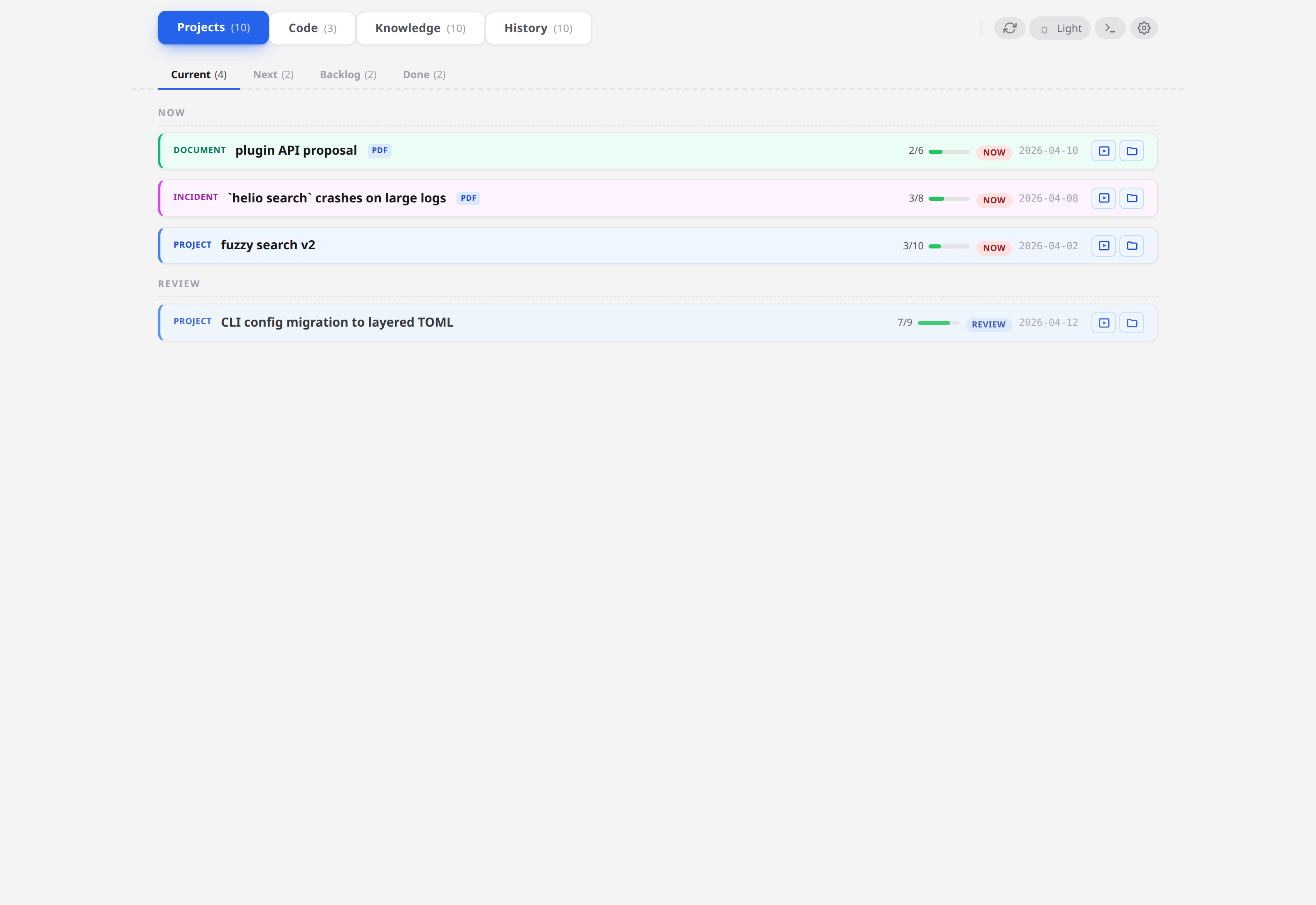
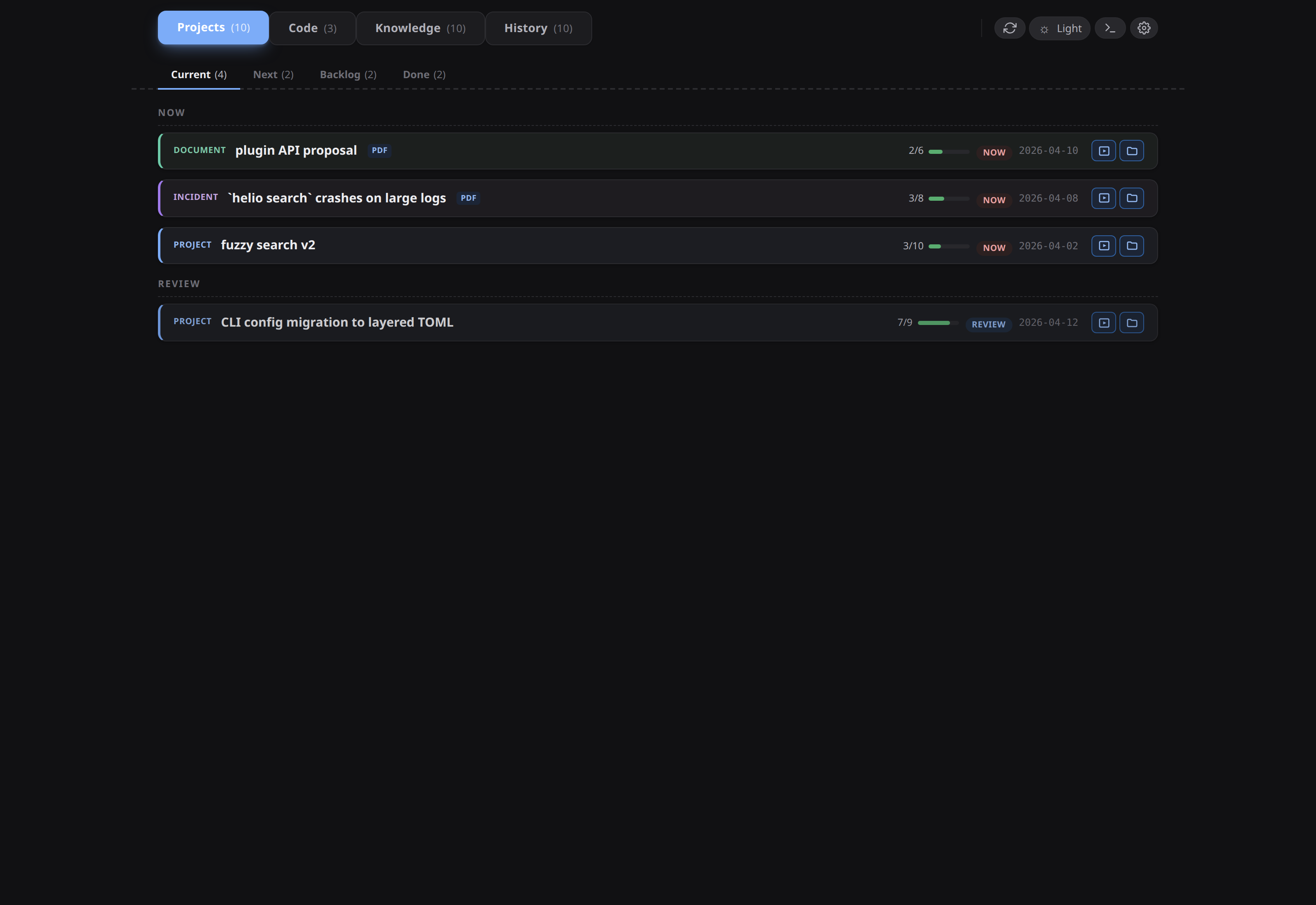
condash is a single-user desktop app that renders a live dashboard of a directory tree of projects, incidents, and documents written as plain Markdown. No database, no sync server, no account — the Markdown files are the source of truth, and condash is the view layer.
Install
Linux, macOS, Windows — download the installer for your OS from the latest GitHub Release:
→ github.com/vcoeur/condash-tauri/releases/latest
| OS | File to download |
|---|---|
| Linux | condash_<version>_amd64.AppImage (or .deb) |
| macOS | condash_<version>_<arch>.dmg |
| Windows | condash_<version>_x64_en-US.msi |
The builds are unsigned — each OS asks you to confirm once on first launch. Full walkthrough: Install →.
Building from source (need a rustup toolchain on 1.77+ and, on Linux, the usual Tauri system deps):
git clone https://github.com/vcoeur/condash-tauri.git
cd condash-tauri
make setup      # one-off — installs cargo-tauri
make frontend   # bundle frontend/src/ to frontend/dist/ (required on every clone)
make run        # open a dev window
Start here
-
New? Tutorials
Work through the three learning paths: install and first run, your first project, then a full day using condash end-to-end.
-
Solve a specific problem? Guides
Task-focused how-tos: the embedded terminal, wikilinks, the knowledge tree, multi-machine setup, and more.
-
Looking something up? Reference
Every CLI flag, every config key, every README field, and every action the dashboard takes on your files.
-
Want the why? Explanation
Why Markdown-first, and how the parser, config, and native-window rendering work under the hood.